
Explore unlimited motion graphics templates
Bring your videos to life with dynamic animations. Discover professionally-designed, easy-to-use motion graphics video templates for all your projects, ready to use in Premiere Pro. Quickly find what you’re looking for with search filters — everything from titles to transitions, backgrounds, overlays and more.






- ...
What is a motion graphics template?
Motion graphics templates are ready-to-use, customizable
templates that you can integrate into your projects to create impressive animated elements.
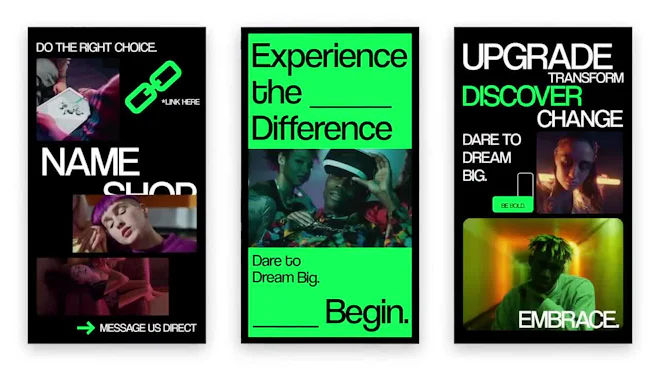
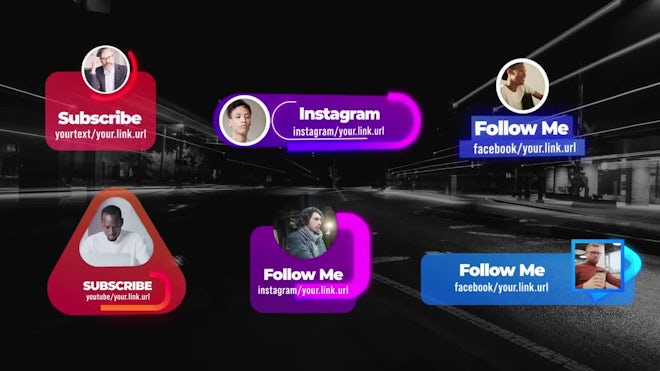
You can use them to produce cool effects, such as animated titles, lower thirds, buttons, emojis and more.
Created in Adobe After Effects, they let you bring the magic of After Effects into your Premiere Pro projects. Their file extension is .mogrt, which is short for motion graphics templates.
All your motion graphics templates will show up in the Essential Graphics tab. To add one to your project, simply drag and drop it onto your timeline and start customizing. Unlike stock motion graphics, motion graphics templates can be customized and edited. You can then swap out any placeholders with your own media or text, and play around with the scale, color and more.
Read more
Created in Adobe After Effects, they let you bring the magic of After Effects into your Premiere Pro projects. Their file extension is .mogrt, which is short for motion graphics templates.
How to use motion graphics templates
To install motion graphics into your Premiere Pro project, find a template you like, download it and open the zip folder. Once you’re in Premiere Pro, go to ‘Graphics’ in the top menu bar and click ‘Install Motion Graphics Template’. Locate your .mogrt file, select and open it. It will now be installed in the Essential Graphics tab.All your motion graphics templates will show up in the Essential Graphics tab. To add one to your project, simply drag and drop it onto your timeline and start customizing. Unlike stock motion graphics, motion graphics templates can be customized and edited. You can then swap out any placeholders with your own media or text, and play around with the scale, color and more.